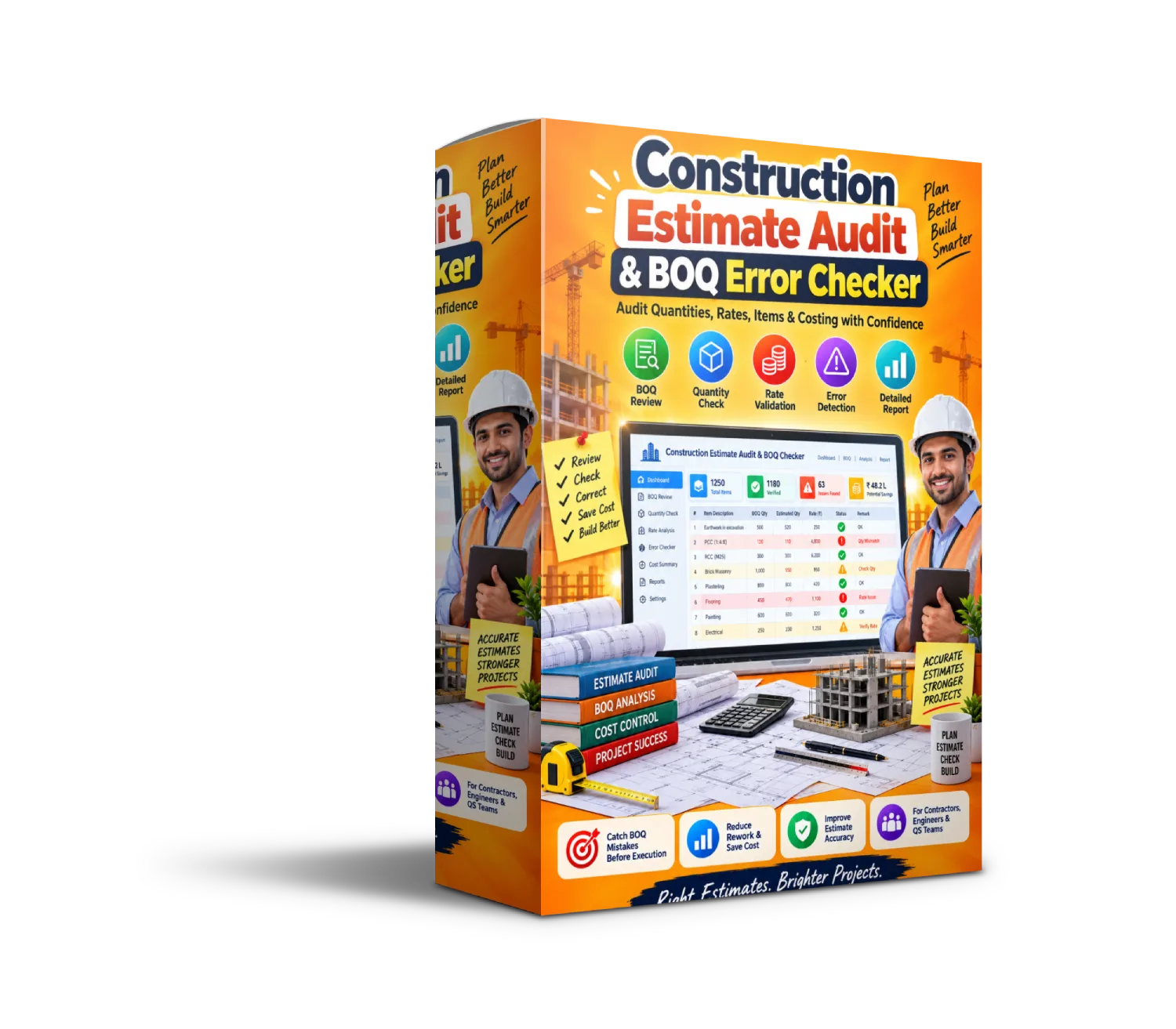
Construction Estimate Audit & BOQ Error Checker (Lifetime Access)
Original price was: ₹3,500.00.₹347.00Current price is: ₹347.00.
Construction Estimate Audit & BOQ Error Checker helps you review your construction BOQ before finalizing or submitting an estimate. Check for missing descriptions/codes, quantity and unit issues, negative values, zero rates, amount mismatches, duplicate items, benchmark deviations, wastage flags and missing required scope — then use the Resolution Center, Revision Compare and Audit Report to organize the review and corrective workflow.
Description
Before you finalize your estimate, run a structured audit on your BOQ.
The Construction Estimate Audit & BOQ Error Checker is an advanced Excel-based audit system designed to help construction professionals review BOQ entries, identify common estimate issues, check required scope categories, review rate benchmarks, compare revisions, and organize corrective actions before an estimate is finalized or submitted.
Instead of manually scanning hundreds of BOQ lines, use a structured audit workflow that highlights issues such as missing codes, missing descriptions, quantity issues, missing units, negative values, zero rates, amount mismatches, duplicate items, unit mismatches, rate deviations and high wastage flags.
Built for contractors, builders, quantity surveyors, estimators, civil engineers, project managers, billing teams and construction consultants, this tool gives you a centralized way to review your estimate and prioritize items that need attention.
🔍 What’s Inside the Audit System
1️⃣ BOQ Audit Engine
- Review BOQ lines automatically through structured checks.
- Identify critical issues and warning-level items.
- See the primary issue, check group and recommended fix for each flagged row.
- Prioritize items as Fix Now → Review → Clear.
2️⃣ Audit Dashboard
- Review the overall audit score and status.
- See critical rows, warning rows and amount variance.
- Get visibility into missing scope and the next action.
- Use the dashboard as your quick estimate-review control center.
3️⃣ Scope Gap Audit
- Mark which construction categories are actually required.
- Check whether required categories appear in your BOQ.
- Identify missing required scope.
- Review scope completion before finalizing the estimate.
4️⃣ Rate Benchmark Review
- Compare BOQ units against editable benchmark units.
- Review unit-rate deviations against your configured tolerances.
- Maintain your own company/local benchmark library.
- Use benchmark information as an internal review reference.
5️⃣ Revision Comparison
- Compare a previous BOQ revision with the current BOQ.
- Identify items that are present or removed.
- Review changes between estimate revisions.
- Maintain better visibility over BOQ revision activity.
6️⃣ Resolution Center
- Bring flagged BOQ issues into one resolution workspace.
- See priority, audit status, item details and detected issues.
- Follow recommended fixes for flagged items.
- Update the original BOQ and re-check the audit status.
7️⃣ Audit Report
- Generate a structured construction estimate audit report.
- Review row-level findings and recommended fixes.
- See critical issues, warnings, missing scope and amount variance.
- Use the organized report for internal review and sign-off preparation.
8️⃣ Custom Audit Settings
- Adjust amount-mismatch tolerance.
- Configure rate-deviation and wastage thresholds.
- Set issue-penalty weights.
- Enable optional material-rate and labour-rate checks.
⭐ Why Construction Professionals Love It
✅ Helps review a BOQ before finalizing or submitting an estimate.
✅ Makes common BOQ data issues easier to identify and prioritize.
✅ Checks both individual BOQ rows and broader construction scope coverage.
✅ Helps compare previous and current BOQ revisions.
✅ Provides recommended-fix guidance instead of simply flagging an issue.
✅ Creates a more structured workflow for audit → correction → re-check → report.
👥 Perfect For
- Contractors & Builders
- Quantity Surveyors
- Construction Estimators
- Civil Engineers
- Project Managers
- Billing Engineers
- Site & Commercial Teams
- Construction Consultants
🧠 How to Use
1️⃣ Start from START HERE and enter the project/audit information.
2️⃣ Go to BOQ Input and paste or enter the current BOQ you want to review.
3️⃣ In Scope Audit, mark the construction categories that are genuinely required for the project.
4️⃣ If using rate checks, update the Rate Benchmarks with your own company/local benchmark references.
5️⃣ Open the Audit Dashboard to review the overall audit picture and identify the next required action.
6️⃣ Use the Resolution Center to work through flagged items, correcting the source row in BOQ Input and re-checking the results.
7️⃣ If required, use Revision Compare to review changes between BOQ versions.
8️⃣ Finish with the Audit Report for organized review and sign-off preparation.
Paste BOQ → Set Scope → Set Benchmarks → Review Dashboard → Resolve Issues → Compare & Report.
📦 Included Modules
- Audit Dashboard
- BOQ Input
- BOQ Audit Engine
- Scope Gap Audit
- Rate Benchmark Library
- Revision Compare
- Resolution Center
- Construction Estimate Audit Report
- Audit Settings
- START HERE Workflow Guide
🎯 Use Case Examples
| Profession | How It Helps |
|---|---|
| Contractors & Builders | Review estimates for common BOQ issues before finalization. |
| Quantity Surveyors | Audit quantities, units, rates, scope and BOQ consistency. |
| Estimators | Identify flagged estimate lines and organize corrective actions. |
| Civil Engineers | Review construction scope and BOQ information systematically. |
| Project Managers | Get a clearer view of estimate risks, warnings and revisions. |
| Billing Teams | Review amount calculations and BOQ-related information. |
| Construction Consultants | Structure estimate-review and audit activities for clients/projects. |
🚀 Result
Create a more structured construction estimate audit workflow by bringing BOQ checking, scope review, rate benchmarking, revision comparison, issue resolution and audit reporting into one organized system.
Instead of manually searching through a BOQ for every possible issue, use the audit framework to identify, prioritize, resolve and re-check flagged items before moving forward with your estimate.
Audit the BOQ. Find the Flags. Resolve the Issues. Review with Greater Confidence. 🏗️📋


Reviews
There are no reviews yet.