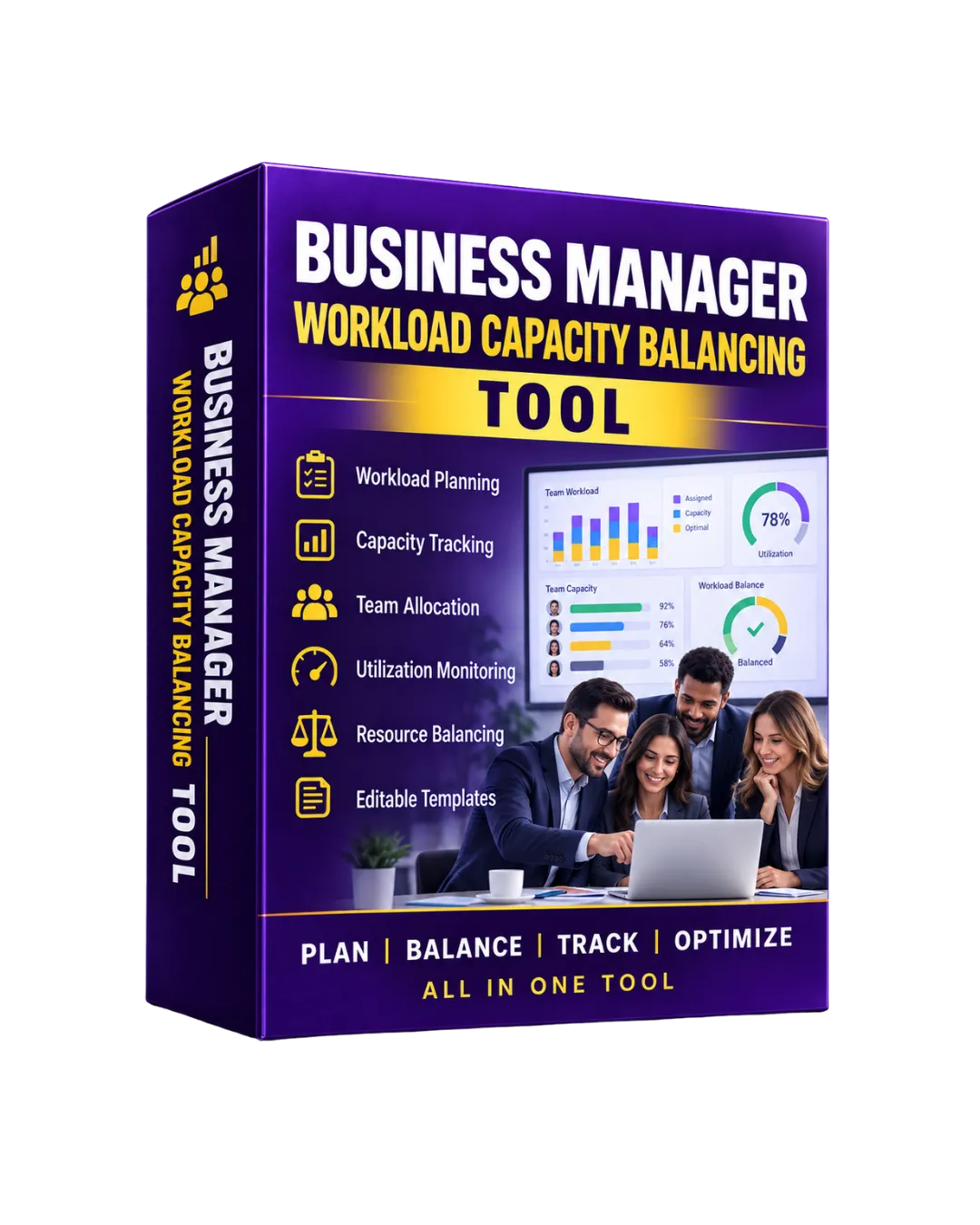
Business Manager Workload Capacity Balancing Tool
Original price was: ₹3,000.00.₹297.00Current price is: ₹297.00.
Description
Keep team workload visible, identify capacity pressure, and organize work allocation with a structured workload-balancing system designed for business managers and team leaders.
This tool helps you review available capacity, assigned work, utilization levels, overload situations, leave/unavailability, and potential task reassignments from one centralized workspace.
📋 What’s Inside the Toolkit
1️⃣ Team Capacity Master
- Maintain employees, departments, roles, managers, and weekly capacity.
- Track availability and skill categories.
2️⃣ Task Workload Tracker
- Record assigned tasks, owners, priorities, dates, planned hours, and status.
- Monitor planned versus actual workload information.
3️⃣ Capacity Planner
- Compare available hours against assigned workload.
- Identify Available, Balanced, Near Capacity, and Overloaded team members.
4️⃣ Workload Rebalance Planner
- Review overloaded task owners.
- Identify suggested team members with available capacity for potential reassignment.
5️⃣ Leave & Availability Control
- Record approved leave, training, client visits, and other unavailable hours.
- Reflect unavailable time in capacity calculations.
6️⃣ Workload Dashboard
- Review team size, available hours, assigned hours, average capacity usage, overloaded members, and under-utilized members.
- Use KPI and action views for weekly workload decisions.
7️⃣ Workload & Capacity Reports
- Review employee-level workload and capacity.
- Compare capacity and assigned workload across departments.
⭐ Why It’s Perfect for You
✅ Business Managers — Get a structured view of team workload and available capacity.
✅ Team Leaders — Identify workload pressure and organize potential task redistribution.
✅ Operations Managers — Review department-level workload and execution capacity.
✅ Growing Teams — Maintain clearer visibility as responsibilities and assignments increase.
🧠 How to Use
Step 1 — Maintain Team Capacity
Add team members, departments, roles, weekly capacity, and availability.
Step 2 — Add Work Assignments
Record active tasks with owners, priorities, dates, and planned hours.
Step 3 — Review Capacity Planner
Compare assigned workload with available team capacity.
Step 4 — Identify Capacity Pressure
Review members marked as Overloaded, Near Capacity, Balanced, or Available.
Step 5 — Check Availability
Record approved unavailable hours so the planning view reflects reduced capacity.
Step 6 — Review Rebalancing Options
Use the Rebalance Planner to evaluate potential task transfers and suggested available team members.
Step 7 — Review Dashboard & Reports
Use the dashboard and reports for recurring workload and capacity discussions.
📦 Included Modules
- Team Master
- Task Workload Tracker
- Capacity Planner
- Workload Rebalance Planner
- Leave & Availability
- Workload & Capacity Dashboard
- Workload & Capacity Reports
- Settings & Master Lists
👥 Use Case Examples
| Profession | How It Helps |
|---|---|
| Business Managers | Review team capacity, workload pressure, and potential redistribution needs. |
| Operations Managers | Balance operational assignments against available working hours. |
| Team Leaders | Monitor individual workload and coordinate task allocation. |
| Department Heads | Review department-level capacity and utilization information. |
| Project Managers | Evaluate planned task demand against available team capacity. |
| Business Owners | Maintain a centralized view of workload distribution across teams. |
🚀 Result
The Business Manager Workload Capacity Balancing Tool gives managers a structured way to understand who has available capacity, who is approaching capacity, where workload pressure exists, and where potential rebalancing may be considered.
Use it as a practical companion to the main Business Manager Planning, Team Execution & Performance Control Toolkit for more focused workload and capacity management.
📊 See the Workload. Understand Capacity. Plan Team Allocation Smarter. 🚀
Reviews
There are no reviews yet.