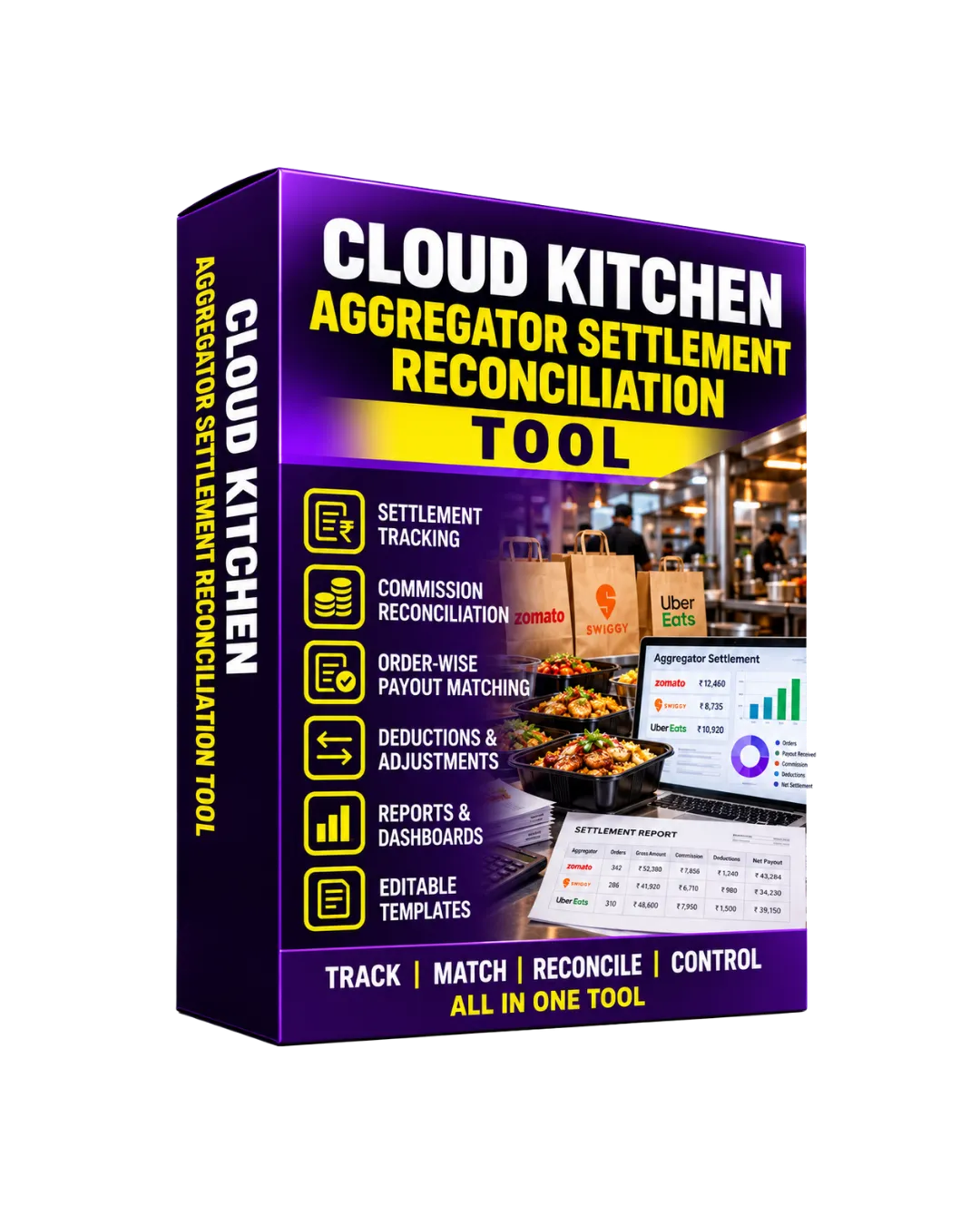
Cloud Kitchen Aggregator Settlement Reconciliation Tool
Original price was: ₹4,000.00.₹397.00Current price is: ₹397.00.
This tool is designed for internal aggregator settlement reconciliation, financial tracking, and management review. Actual commissions, fees, taxes, refunds, promotional deductions, settlement terms, and payment timelines depend on the applicable aggregator agreement and transaction records. Reconciliation results depend on the accuracy of the data entered and should be verified against platform statements and bank records. The tool does not guarantee recovery of settlement differences or any specific financial outcome.
Description
Cloud kitchen sales often come through multiple delivery and food-ordering aggregators, making it important to reconcile orders, gross sales, commissions, discounts, refunds, adjustments, taxes, and actual settlement amounts.
The Cloud Kitchen Aggregator Settlement Reconciliation Tool is designed to help cloud kitchen owners and finance teams organize aggregator settlement data, compare expected amounts with received settlements, identify differences, and track unresolved reconciliation items.
As a focused bump for your Cloud Kitchen Costing, Orders & Operations Control Toolkit, it adds a dedicated financial-control layer for monitoring aggregator settlements.
📋 What’s Inside the Tool
1️⃣ Aggregator Settlement Register
- Record aggregator, settlement period, settlement reference, order count, and settlement dates.
- Keep settlement information organized by platform and period.
2️⃣ Order & Sales Reconciliation
- Compare order-level sales information with aggregator settlement data.
- Review gross order value, discounts, cancellations, refunds, and adjustments.
3️⃣ Commission & Deduction Control
- Track aggregator commissions, service fees, promotional deductions, taxes, and other applicable deductions.
- Maintain visibility over how the settlement amount is calculated.
4️⃣ Expected vs Actual Settlement
- Calculate the expected settlement amount based on recorded sales and deductions.
- Compare it with the actual amount received.
5️⃣ Settlement Difference Analyzer
- Identify reconciliation differences between expected and actual settlements.
- Record variance amounts and relevant reasons for investigation.
6️⃣ Refund, Cancellation & Adjustment Tracking
- Track refunds, cancelled orders, customer adjustments, promotional contributions, and other settlement-level changes.
- Keep exceptions visible during reconciliation.
7️⃣ Reconciliation Follow-Up Control
- Record reconciliation issues, responsible owners, follow-up dates, remarks, and resolution status.
- Monitor unresolved settlement differences.
8️⃣ Aggregator Settlement Dashboard
- Review sales, deductions, expected settlements, actual settlements, variances, and unresolved reconciliation items.
- Maintain a centralized view of aggregator financial activity.
⭐ Why It’s Perfect for You
✅ Cloud Kitchen Owners — Maintain better visibility over aggregator sales and settlement amounts.
✅ Finance Teams — Reconcile expected settlements against actual receipts and recorded deductions.
✅ Kitchen Managers — Keep platform-wise financial information organized alongside order activity.
✅ Multi-Platform Cloud Kitchens — Compare settlement activity across multiple aggregators in a structured system.
🧠 How to Use
Step 1 — Set Up Aggregator Information
Maintain your aggregator/platform details and relevant settlement periods.
Step 2 — Record Sales & Order Data
Add the applicable order and sales information for each settlement period.
Step 3 — Record Deductions
Enter commissions, fees, discounts, refunds, cancellations, taxes, and other applicable adjustments.
Step 4 — Calculate Expected Settlement
Review the expected amount after accounting for the recorded sales and deductions.
Step 5 — Enter Actual Settlement
Record the amount actually received from the aggregator along with settlement references and dates.
Step 6 — Analyze Differences
Compare expected and actual settlement amounts and investigate any reconciliation variance.
Step 7 — Track Exceptions & Follow-Ups
Assign unresolved differences for review and maintain follow-up information until the issue is addressed.
Step 8 — Review the Dashboard
Use the dashboard to monitor settlement activity, deductions, variances, and unresolved reconciliation items.
📦 Included Modules
- Aggregator Settlement Register
- Order & Sales Reconciliation
- Commission & Deduction Control
- Expected vs Actual Settlement
- Settlement Difference Analyzer
- Refund, Cancellation & Adjustment Tracking
- Reconciliation Follow-Up Control
- Aggregator Settlement Dashboard
- Settings & Master Lists
👥 Use Case Examples
| Profession | How It Helps |
|---|---|
| Cloud Kitchen Owners | Review aggregator sales, deductions, settlements, and reconciliation differences. |
| Finance Teams | Compare expected settlement amounts with actual receipts and track variances. |
| Virtual Restaurant Operators | Maintain platform-wise settlement records across multiple food-ordering channels. |
| Kitchen Managers | Connect order activity with aggregator settlement information. |
| Accounts Teams | Organize commissions, refunds, adjustments, and settlement follow-ups. |
| Multi-Brand Cloud Kitchens | Maintain structured financial reconciliation across brands and aggregator platforms. |
🚀 Result
The Cloud Kitchen Aggregator Settlement Reconciliation Tool helps create a structured process for recording aggregator sales, tracking deductions, calculating expected settlements, comparing actual receipts, identifying variances, and managing reconciliation follow-ups.
Used alongside your Cloud Kitchen Costing, Orders & Operations Control Toolkit, it adds an important financial-control layer for understanding what was sold, what was deducted, what was expected, and what was actually settled.
💳 Reconcile Every Settlement. Track Every Deduction. Keep Aggregator Payments Under Control. 📊

Reviews
There are no reviews yet.